Expiry Date Tracker
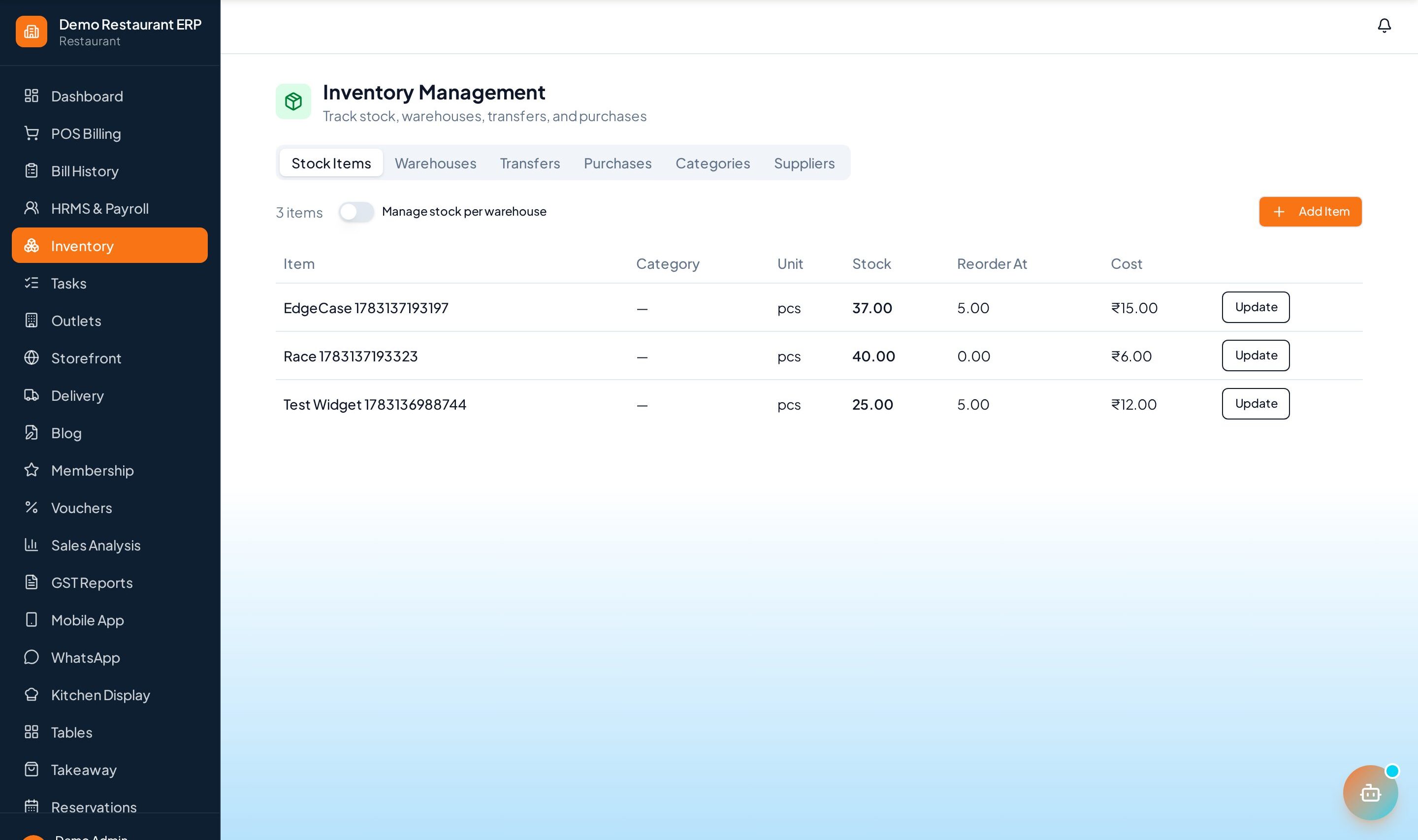
Track expiry dates batch-wise, get alerts before stock goes bad, and let the POS block expired batches from billing — essential for pharmacy and grocery.
How to enable it
- 1
Log in as an Admin and open Addons from the sidebar.
- 2
Under For Your Business (Supermart), enable Expiry Date Tracker.
- 3
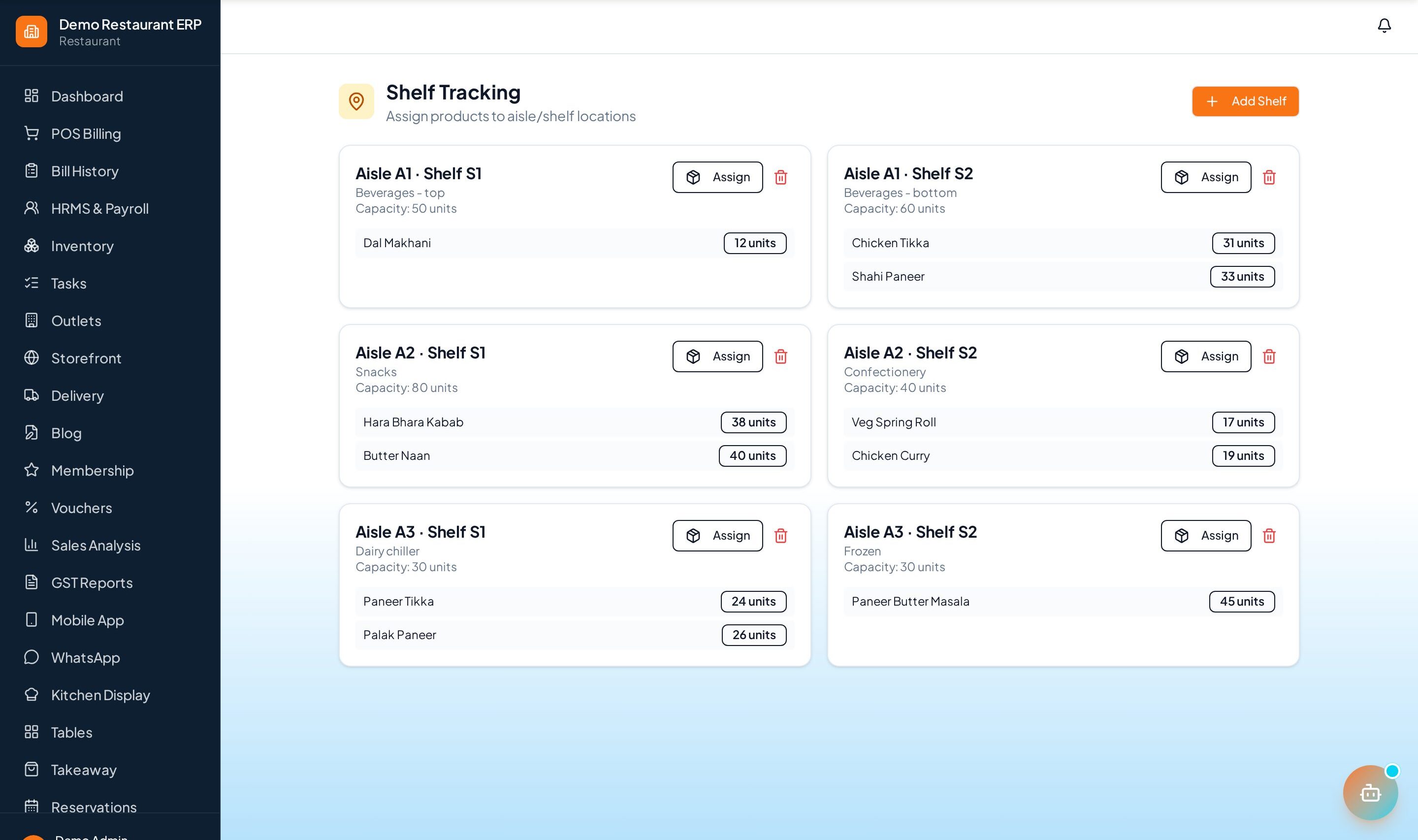
Review near-expiry stock from the Shelf Tracking page in the sidebar.
Step by step
- 1
Receive with dates
Record mfg and expiry dates as stock comes in, batch by batch.
- 2
Watch alerts
Near-expiry alerts warn you in time to discount, return, or rotate stock.
- 3
Clear stock
Use the clearance lists to see exactly what to push first.
- 4
Block expired
The POS refuses expired batches so they can never reach a customer.
See it in the app
Want the full feature list?
See everything Expiry Date Tracker can do and what's included.
More Supermart guides
Shelf Tracking
Monitor shelf- and aisle-level stock and get restock alerts so popular items never go missing.
Barcode Generator
Generate and print barcode labels for products so checkout is a quick scan away.
Ecommerce Sync
Keep your online store and in-store stock in sync so you never sell what you don't have.