Loyalty Cashback
Give customers a cashback wallet on their purchases with rules you control per category, redeemable on their next bill at the counter.
How to enable it
- 1
Log in as an Admin and open Addons from the sidebar.
- 2
Under For Your Business (Supermart), enable Loyalty Cashback.
- 3
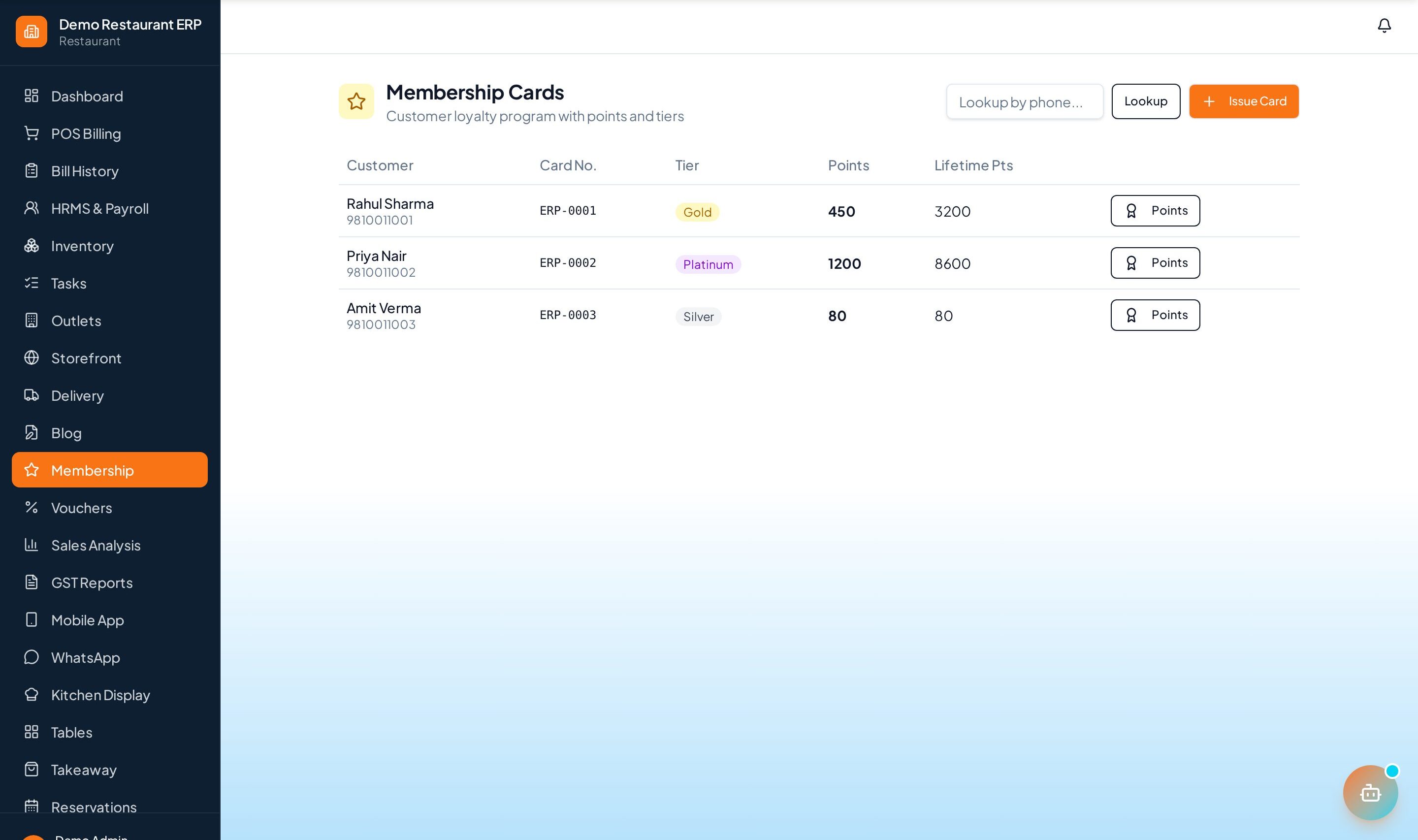
Manage rules from the Membership page in the sidebar.
Step by step
- 1
Set rules
Choose cashback percentages per product category.
- 2
Earn cashback
Earned cashback collects on the customer's wallet automatically on every bill.
- 3
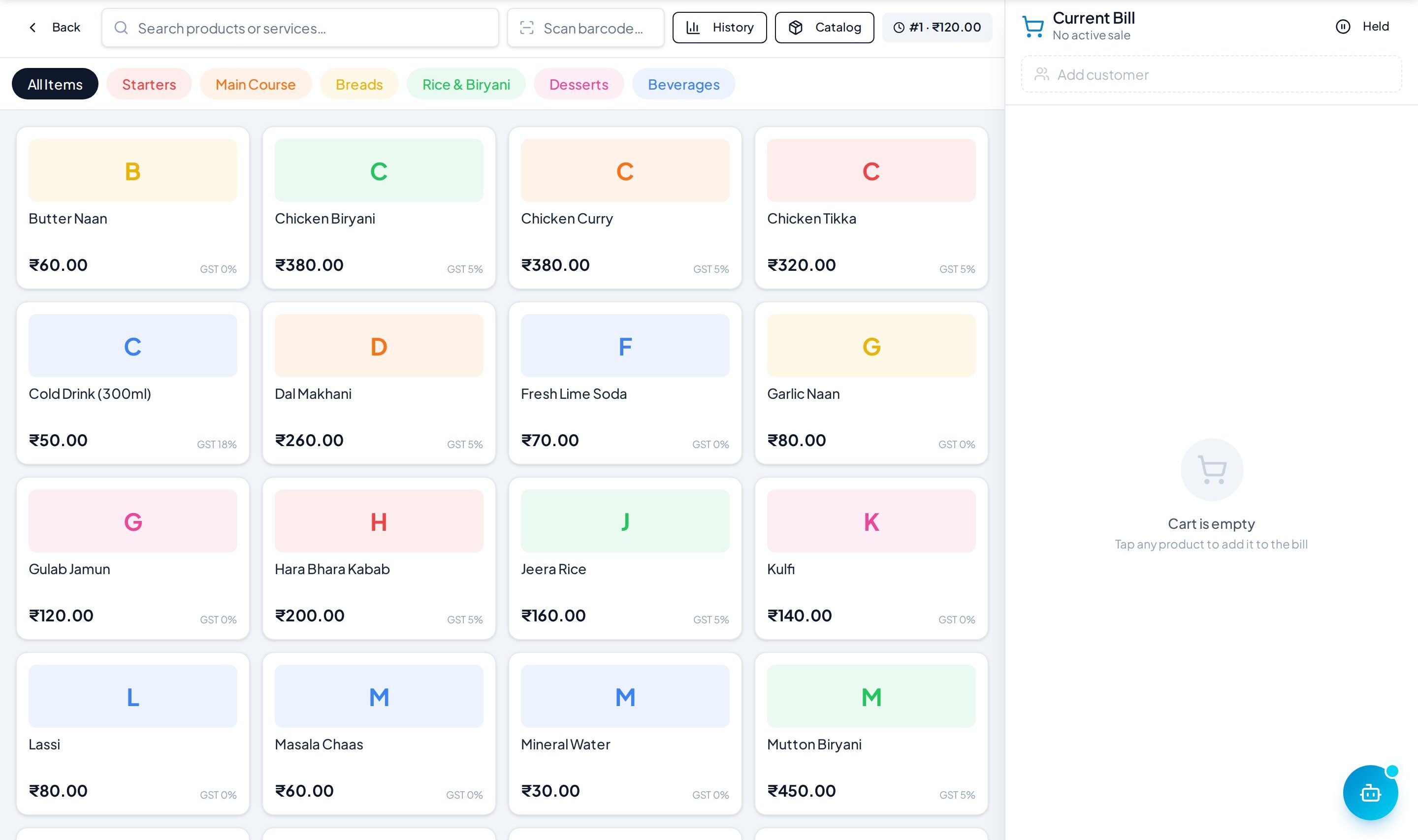
Redeem
Apply the wallet balance to the next bill in one tap at the POS.
- 4
Tune
Adjust percentages and rules anytime to protect margins.
See it in the app
Want the full feature list?
See everything Loyalty Cashback can do and what's included.
More Supermart guides
Shelf Tracking
Monitor shelf- and aisle-level stock and get restock alerts so popular items never go missing.
Barcode Generator
Generate and print barcode labels for products so checkout is a quick scan away.
Ecommerce Sync
Keep your online store and in-store stock in sync so you never sell what you don't have.