POS Terminal
Register your card swipe and tap machines per counter so every card payment carries its terminal reference for easy settlement matching.
How to enable it
- 1
Log in as an Admin and open Addons from the sidebar.
- 2
Find POS Terminal under Hardware and click Enable.
- 3
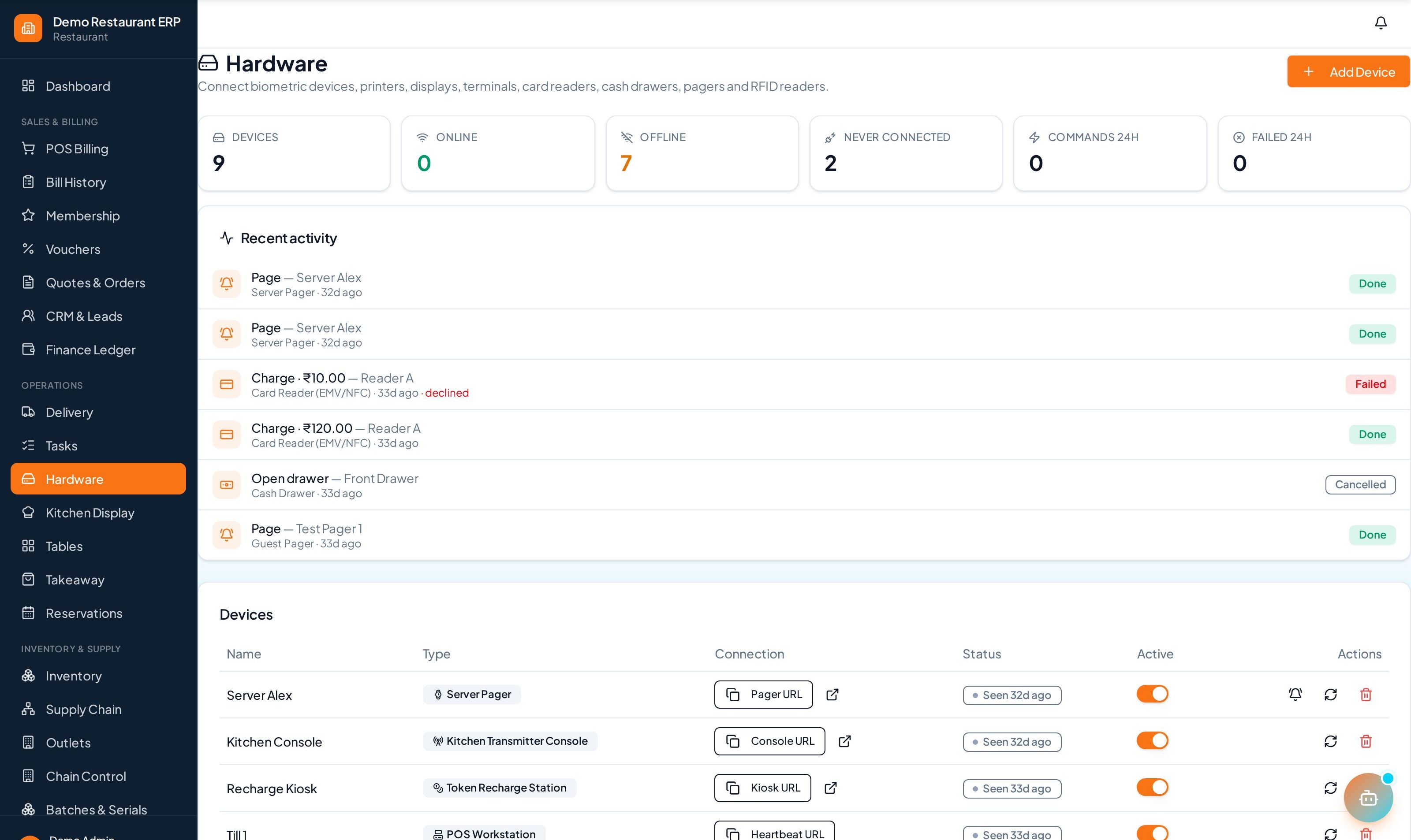
Open Hardware from the sidebar to register your device.
Step by step
- 1
Add terminal
Register each machine per counter with its provider and terminal ID.
- 2
Take payment
Swipe or tap on the machine as usual at the counter.
- 3
Record
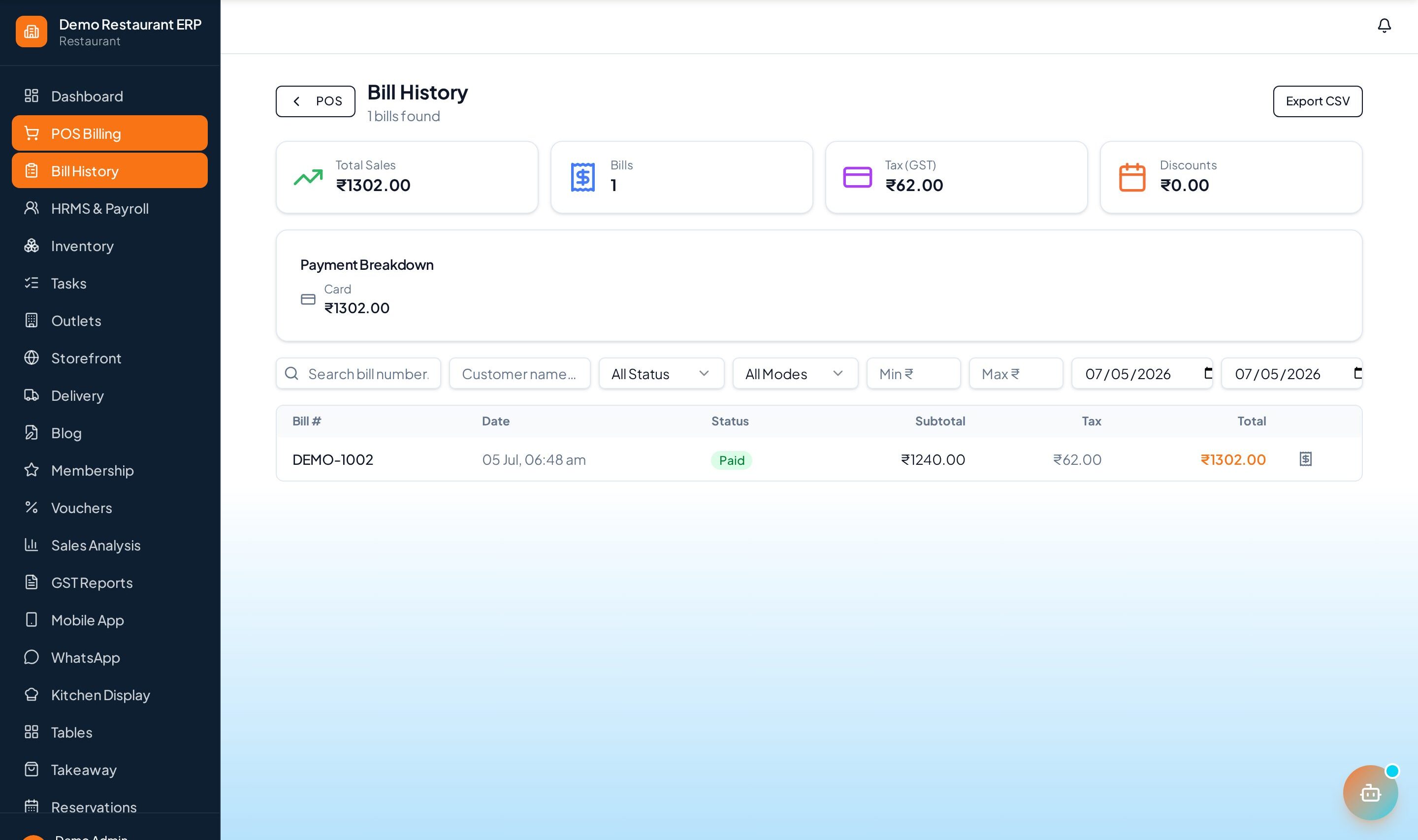
Capture the terminal reference on the card payment for clean reconciliation.
See it in the app
Want the full feature list?
See everything POS Terminal can do and what's included.
More Core & Common guides
POS Billing
The billing counter at the heart of ERP Node. Ring up items, apply GST automatically, take split payments, and print or share the receipt in seconds.
HRMS & Payroll
Manage your whole team — employee records, attendance and leave, then run payroll with auto-generated payslips.
Inventory
Real-time stock across every outlet. Track on-hand quantity, raise purchase orders, and get low-stock alerts before you run out.