Recipe & Costing
Build ingredient-level recipes for every menu item and see the food-cost percentage per dish, so you price on real margins instead of guesswork.
How to enable it
- 1
Log in as an Admin and open Addons from the sidebar.
- 2
Under For Your Business (Restaurant), enable Recipe & Costing.
- 3
Open Recipe & Costing from the sidebar to build recipes.
Step by step
- 1
Build recipes
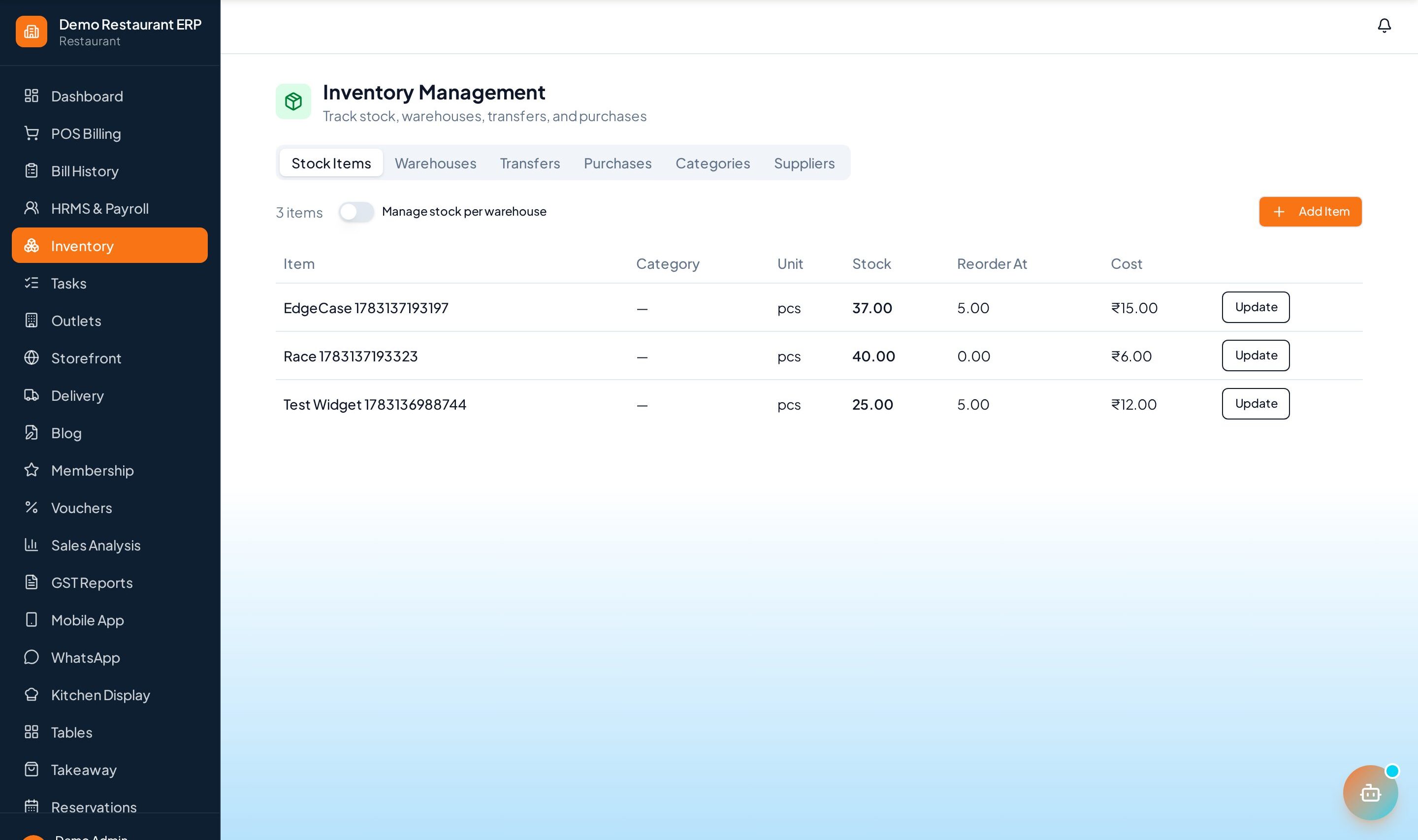
List every ingredient and quantity that goes into each dish.
- 2
Cost ingredients
Set ingredient costs so each plate's cost is calculated automatically.
- 3
Read food cost
See the food-cost percentage and margin per dish side by side.
- 4
Reprice
Use the cost data to reprice, resize, or retire low-margin items.
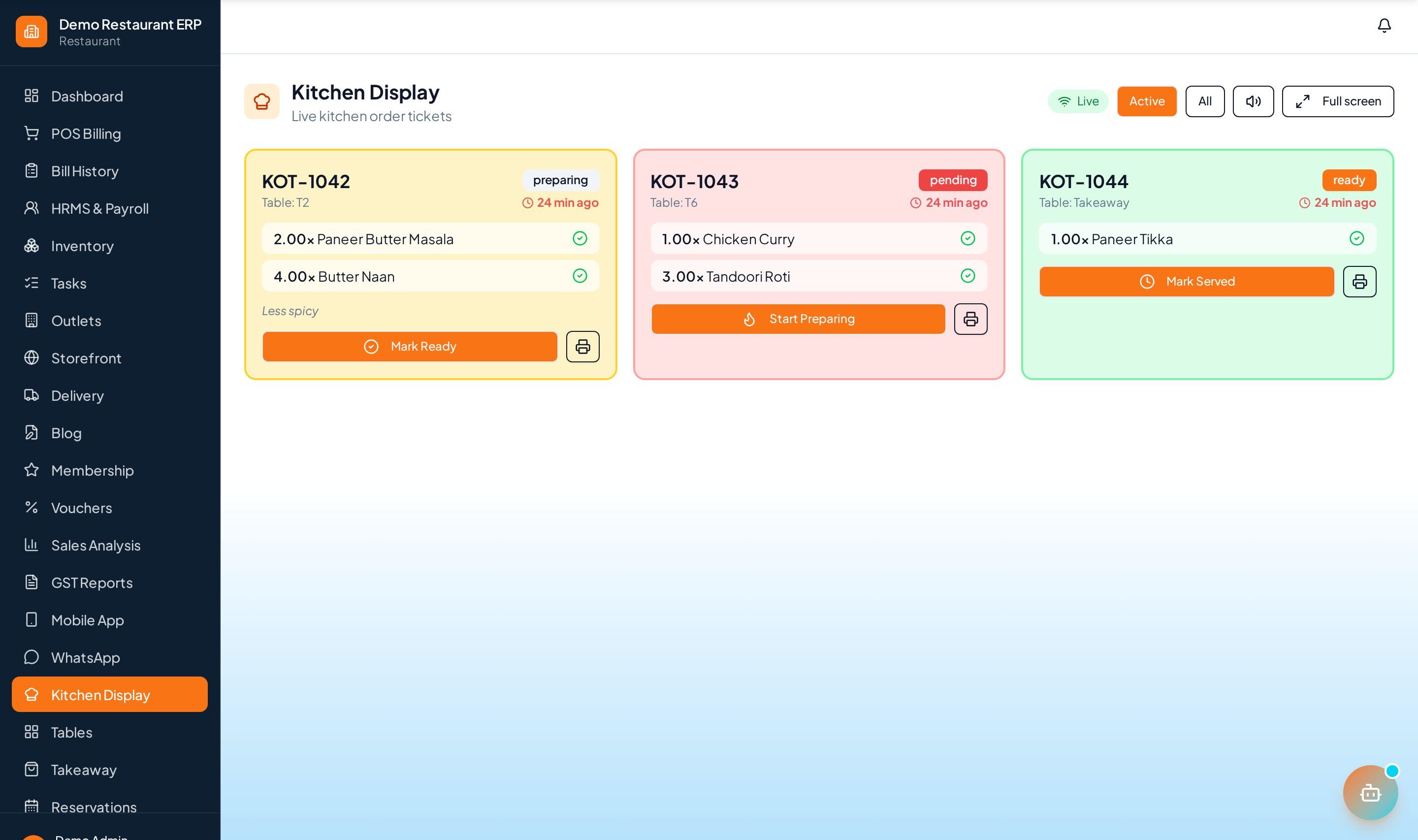
See it in the app
Want the full feature list?
See everything Recipe & Costing can do and what's included.
More Restaurant guides
KOT System
Kitchen Order Tickets route each dish to the right station the moment an order is placed — no paper, no missed items.
Table Management
A live floor map of every table — occupied, free, or reserved — with a running bill per table.
Dine-In & Takeaway
Handle dine-in, takeaway, and delivery from a single screen with the right flow for each order type.