Trainer Management
Keep trainer profiles, schedule personal-training sessions, and track each trainer's commissions and performance from one dashboard.
How to enable it
- 1
Log in as an Admin and open Addons from the sidebar.
- 2
Under For Your Business (Gym & Fitness), enable Trainer Management.
- 3
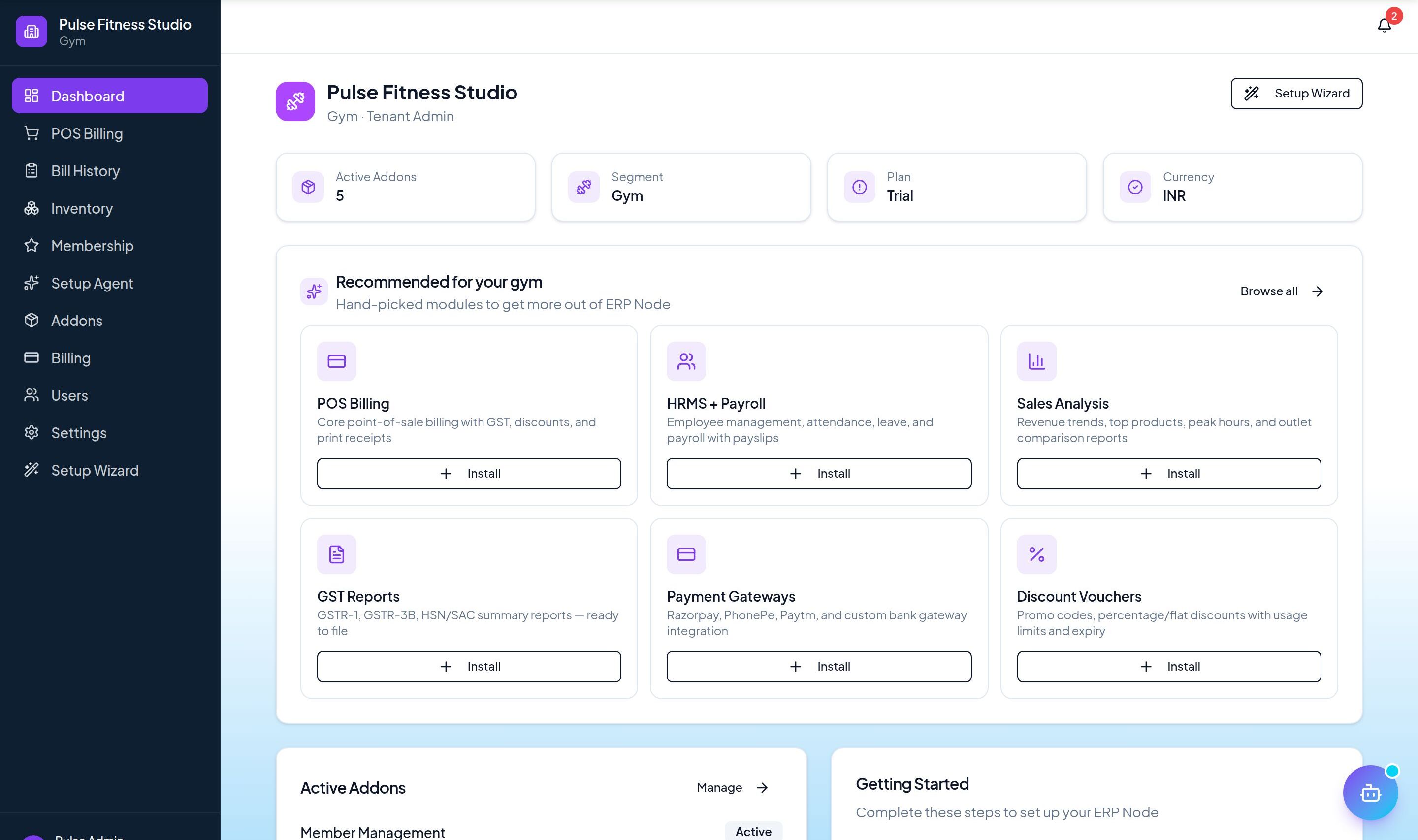
Open Trainer Management from the sidebar to add trainers.
Step by step
- 1
Add trainers
Create profiles with specialities, schedules, and assigned members.
- 2
Schedule sessions
Book personal-training sessions against each trainer's calendar.
- 3
Track commissions
Session and plan commissions are computed per trainer automatically.
- 4
Review performance
See sessions delivered and commissions earned, trainer by trainer.
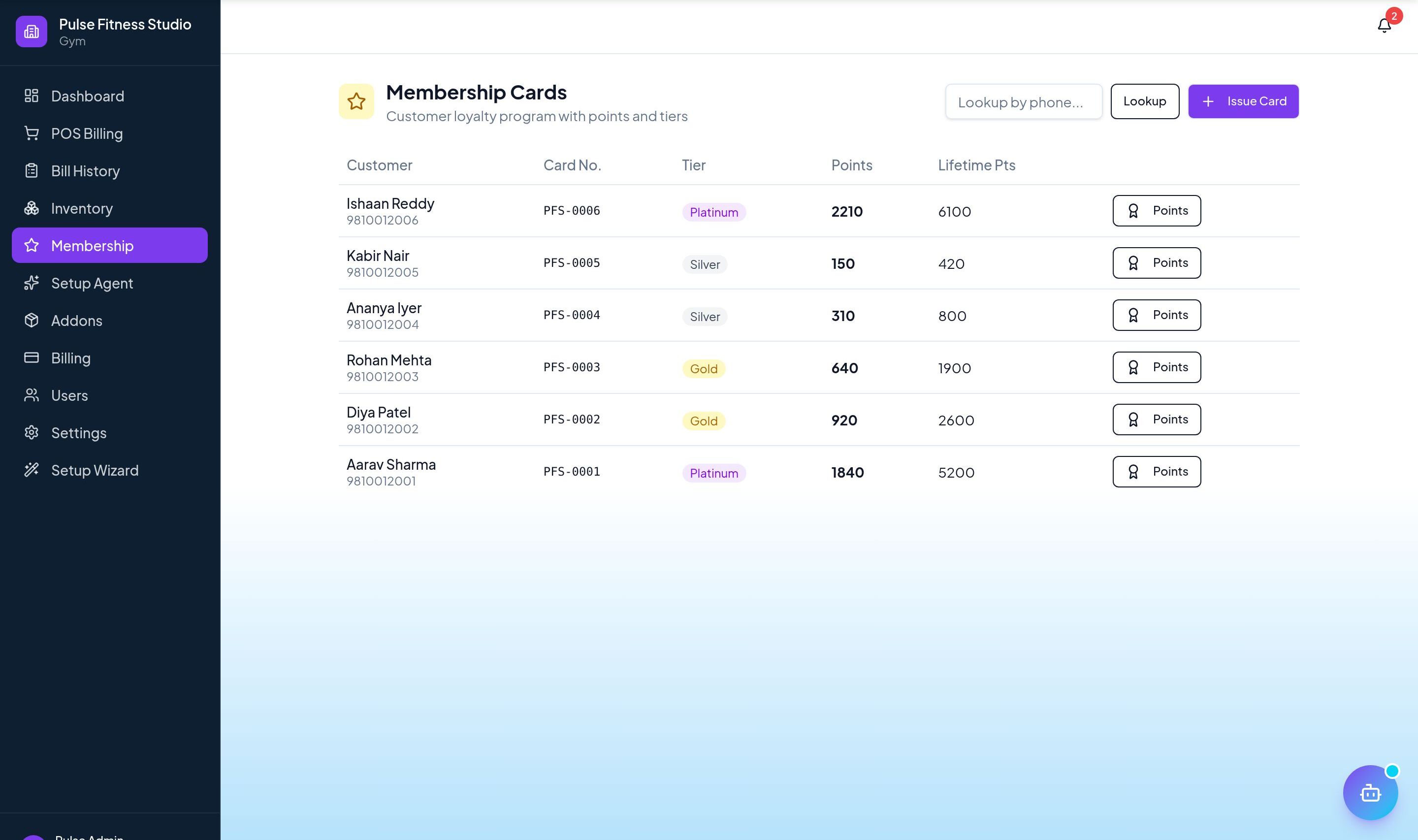
See it in the app
Want the full feature list?
See everything Trainer Management can do and what's included.
More Gym & Fitness guides
Member Management
Track members, plans, and renewals with reminders so no membership lapses unnoticed.
Attendance Tracking
Log member check-ins and monitor footfall and usage patterns over time.
Class Scheduling
Schedule classes, assign trainers, and let members book slots — with capacity limits handled for you.