Exams & Results
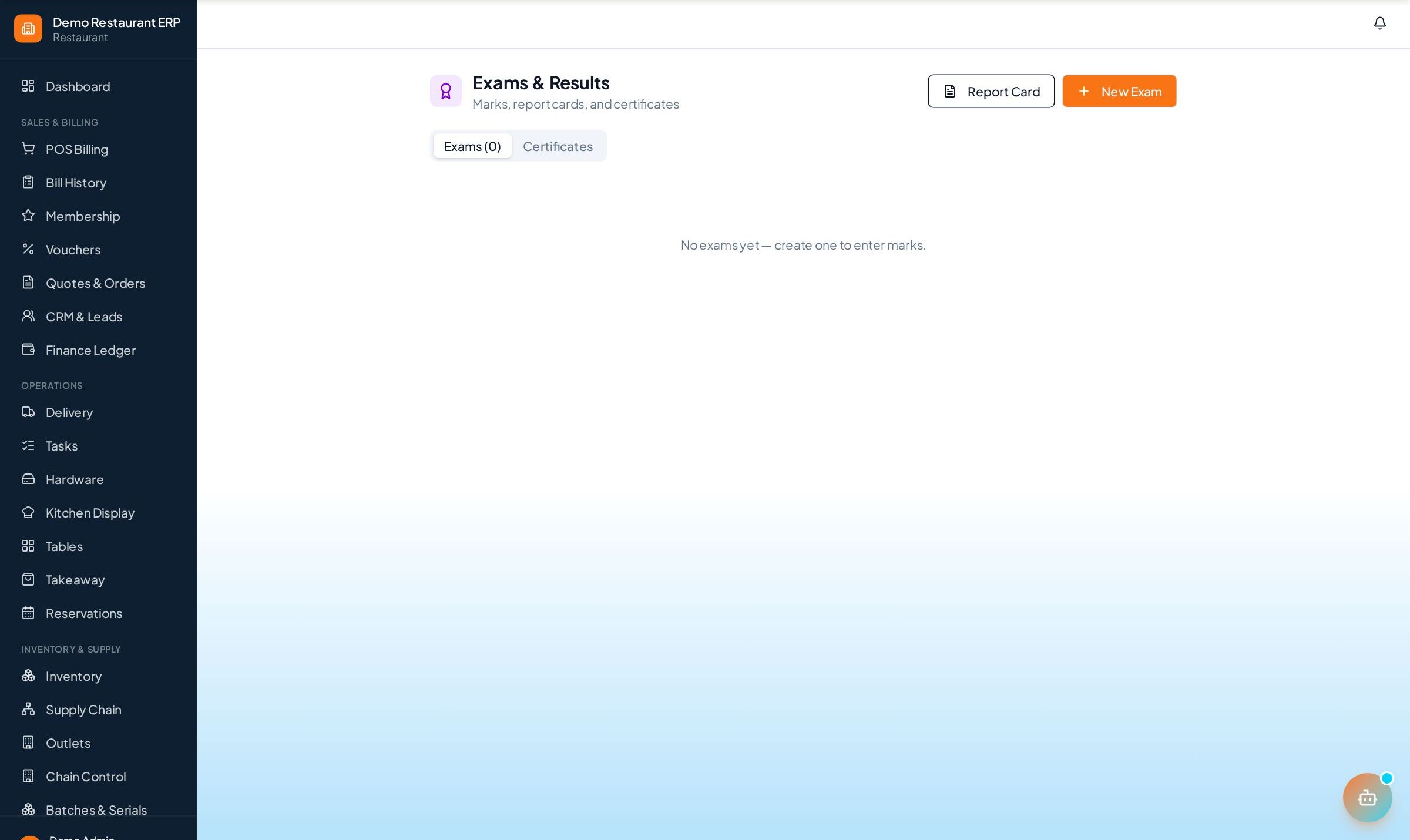
Create exams per batch, enter marks in a fast grid, and generate per-student report cards and course-completion certificates.
How to enable it
- 1
Log in as an Admin and open Addons from the sidebar.
- 2
Under For Your Business (Education), enable Exams & Results.
- 3
Open Exams & Results from the sidebar.
Step by step
- 1
Create exam
Set up an exam per batch with subject and maximum marks.
- 2
Enter marks
Fill the whole batch's marks in one grid and grades are saved.
- 3
Publish
Print per-student report cards and numbered completion certificates.
See it in the app
Want the full feature list?
See everything Exams & Results can do and what's included.
More Education guides
Enquiry & Admissions
Capture student leads from walk-ins, calls, and referrals, log every follow-up, and convert interested students to admissions in one click.
Students & Batches
Keep complete student profiles with guardian details and courses, and run batches with schedules, capacity, and enrolments.
Fee Management
Set up instalment plans per student, record payments with printed receipts, and chase pending dues from a single dashboard.