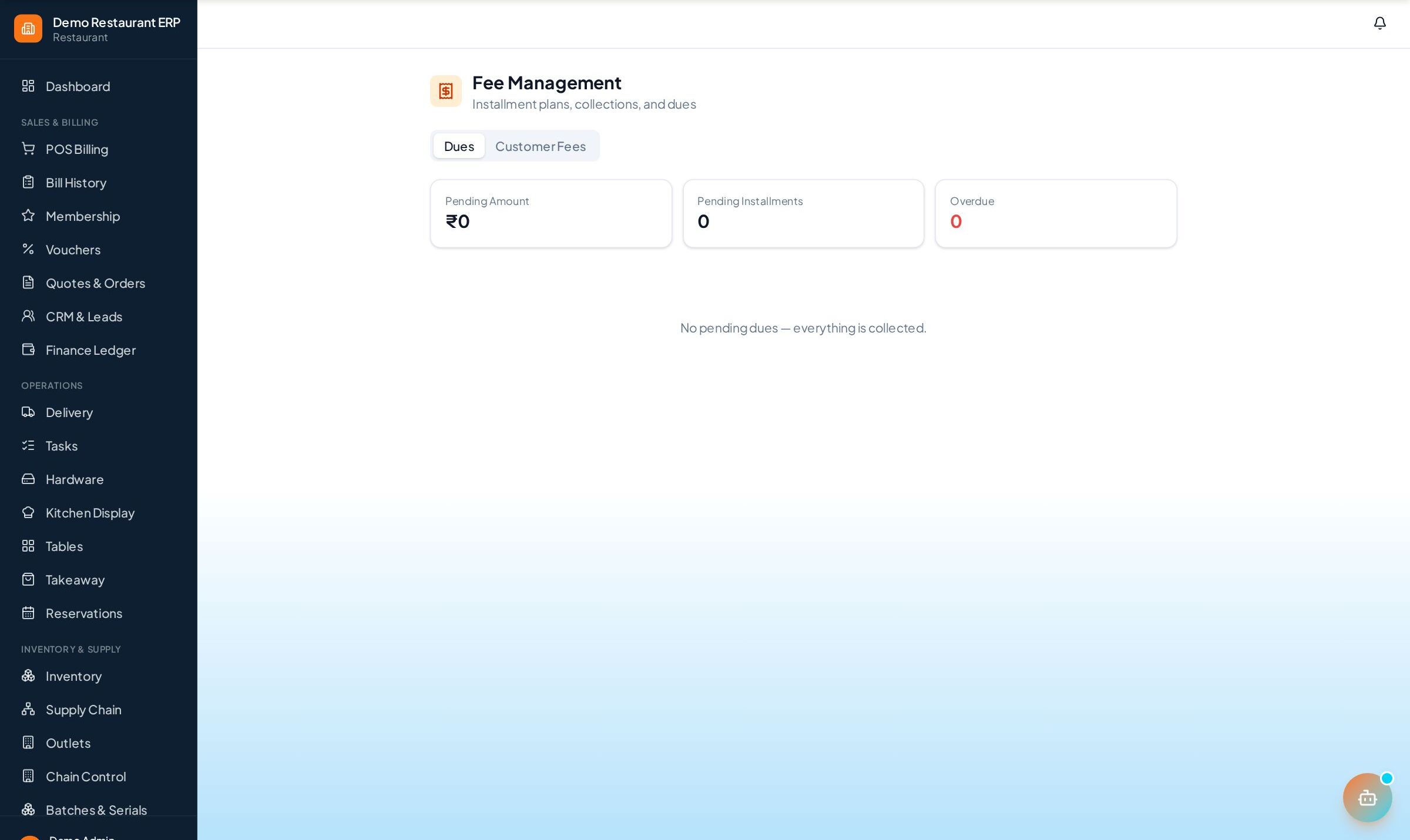
Fee Management
Set up instalment plans per student, record payments with printed receipts, and chase pending dues from a single dashboard.
How to enable it
- 1
Log in as an Admin and open Addons from the sidebar.
- 2
Under For Your Business (Education), enable Fee Management.
- 3
Open Fees from the sidebar.
Step by step
- 1
Create plan
Split a course fee into due-dated instalments for the student.
- 2
Record payment
Take cash, UPI, or card and generate a receipt automatically.
- 3
Track dues
See every pending instalment with student contact on the dues dashboard.
- 4
Follow up
Chase overdue students straight from the pending-dues list.
See it in the app
Want the full feature list?
See everything Fee Management can do and what's included.
More Education guides
Enquiry & Admissions
Capture student leads from walk-ins, calls, and referrals, log every follow-up, and convert interested students to admissions in one click.
Students & Batches
Keep complete student profiles with guardian details and courses, and run batches with schedules, capacity, and enrolments.
Student Attendance
Mark attendance for a whole batch from one screen and get per-student and per-batch reports so irregular students never slip by.