Student Attendance
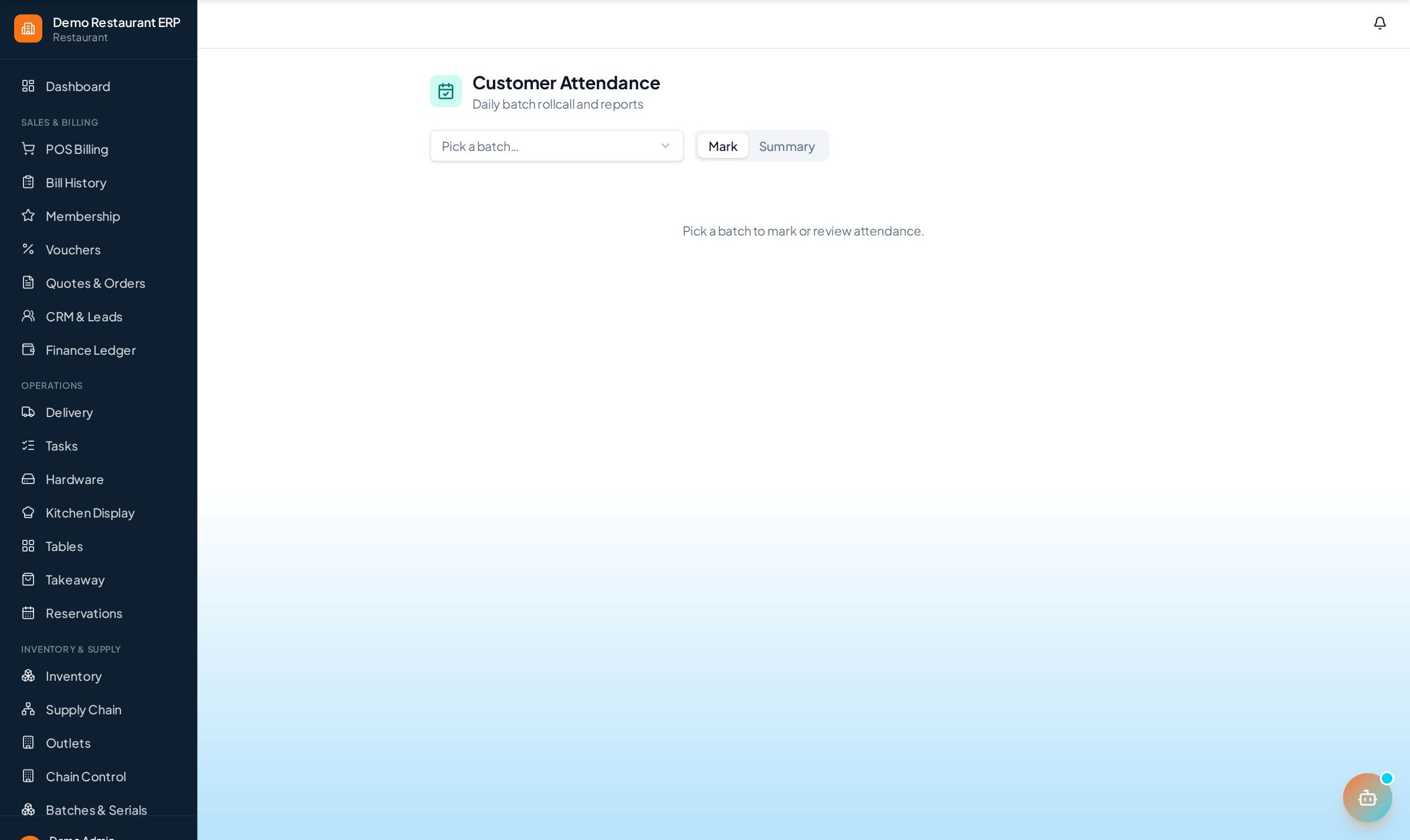
Mark attendance for a whole batch from one screen and get per-student and per-batch reports so irregular students never slip by.
How to enable it
- 1
Log in as an Admin and open Addons from the sidebar.
- 2
Under For Your Business (Education), enable Student Attendance.
- 3
Open Attendance in the Education section of the sidebar.
Step by step
- 1
Pick batch
Open the day's roster by choosing the batch and date.
- 2
Mark
Tap present, absent, late, or leave for each student.
- 3
Review
Check per-student percentages and batch-level summaries.
See it in the app
Want the full feature list?
See everything Student Attendance can do and what's included.
More Education guides
Enquiry & Admissions
Capture student leads from walk-ins, calls, and referrals, log every follow-up, and convert interested students to admissions in one click.
Students & Batches
Keep complete student profiles with guardian details and courses, and run batches with schedules, capacity, and enrolments.
Fee Management
Set up instalment plans per student, record payments with printed receipts, and chase pending dues from a single dashboard.